
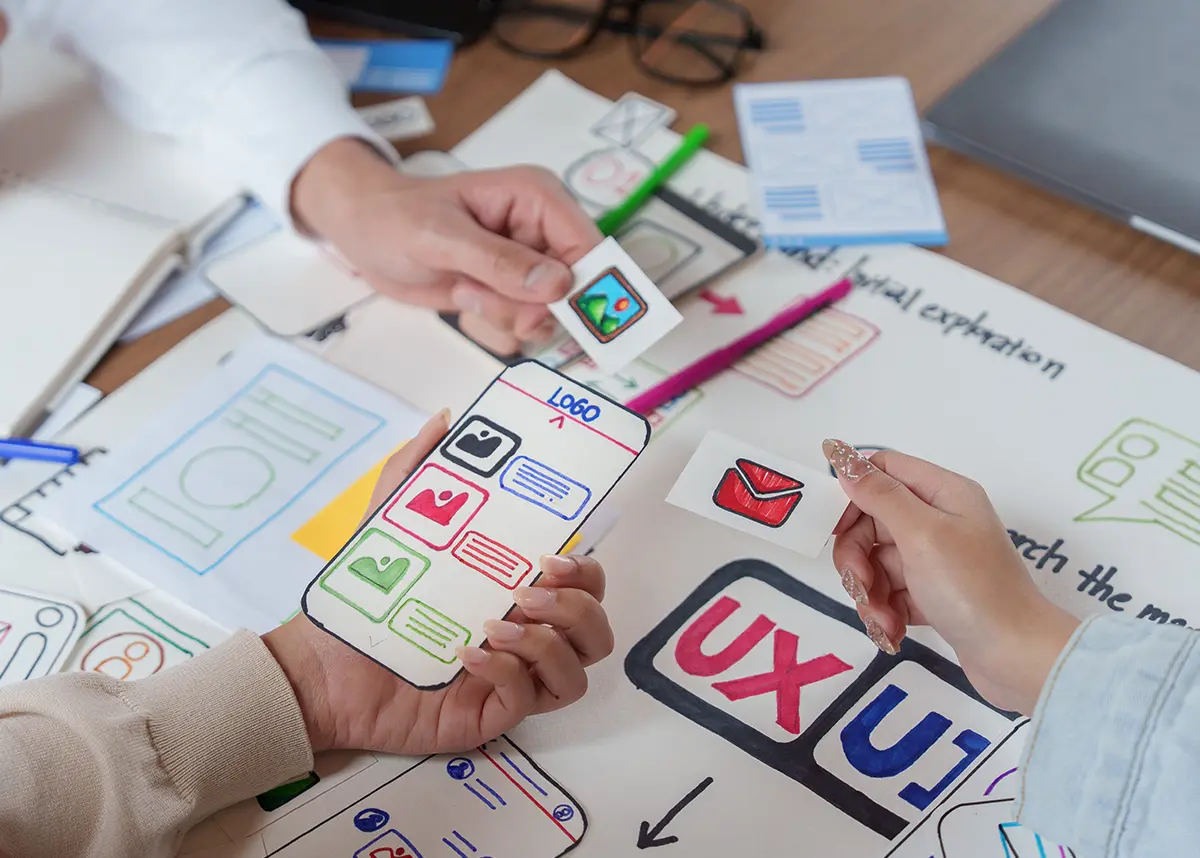
User experience design keeps moving fast, but 2026 marks a real shift: interfaces are no longer just something people look at and click through — they’re starting to think, anticipate, and respond. Here are the ten trends actually changing how modern websites are designed and built this year.
1. AI Is Becoming Part of the Interface, Not Just the Backend
AI used to power what happened behind the scenes. Now it’s showing up directly in the interface itself. Instead of digging through menus, users can describe what they need in plain language and get a direct answer or action — a support tool that diagnoses a problem and recommends next steps, or a search bar that understands intent rather than just keywords.
2. Explainable AI and Trust by Design
The more AI does for a user, the more that user wants to know why. Confidence scores, short explanations, and visible data sources are becoming standard design elements wherever AI makes a recommendation — not because it’s trendy, but because it’s what keeps people comfortable enough to actually use the feature.
3. Designers Are Using AI to Move Faster, Not to Replace Judgment
AI-assisted design tools can spin up wireframes and layout variations in minutes. The best teams are using that speed to explore more directions early, then applying real design judgment to refine, simplify, and choose what actually serves the user — the tool accelerates the process, it doesn’t replace the thinking.
4. Interfaces That Anticipate the Next Step
Predictive UX is quietly removing friction: forms that pre-fill based on context, “continue where you left off” prompts, and suggested next actions that show up right when they’re needed. Done well, it feels less like a feature and more like the site simply understands what the visitor is trying to do.
5. Personalization That Adjusts to the Visitor
Static, one-size-fits-all homepages are giving way to content that adapts based on who’s visiting, what stage of the buyer journey they’re in, or what they’ve shown interest in. It’s a subtle shift, but it consistently helps visitors find relevant information faster — which matters far more than any visual trend.
6. Conversation Replacing the Static Menu
Guided, conversational flows are stepping in where long navigation menus used to be — especially for service-based businesses where visitors don’t always know the right category to click. A short back-and-forth can get someone to the right page (or the right form) faster than three levels of dropdown menus ever could.
7. Passwordless, Biometric Sign-In
Fingerprint and face-based authentication are moving from “nice to have” to expected, especially anywhere sensitive data is involved. It’s faster for the user and measurably more secure than password-based logins — a rare case where the better UX and the better security decision are the same decision.
8. Designing for Every Kind of Mind
Cognitive inclusion is getting the same attention accessibility has had for years: plain language, predictable layouts, and fewer competing distractions on the page. The result isn’t a “simplified” experience — it’s one that respects how differently people actually process information.
9. Microinteractions Still Do the Heavy Lifting
Small feedback moments — a subtle animation on a successful form submission, a progress bar during checkout, a satisfying loading state — remain one of the highest-return, lowest-cost investments in a design. They reassure the user that the interface heard them, which quietly builds trust across the entire experience.
10. Immersive and Gamified Experiences
For the right kind of business — real estate, furniture, product configurators — AR, 3D previews, and lightweight gamification are helping visitors visualize a product or stay engaged through an onboarding flow, rather than just reading about it.
Not every trend on this list belongs on every website — the trick is knowing which ones actually solve a problem your visitors have, versus which ones just look good in a design portfolio. That’s exactly the conversation we have with every client before a single pixel gets designed.